 kukuri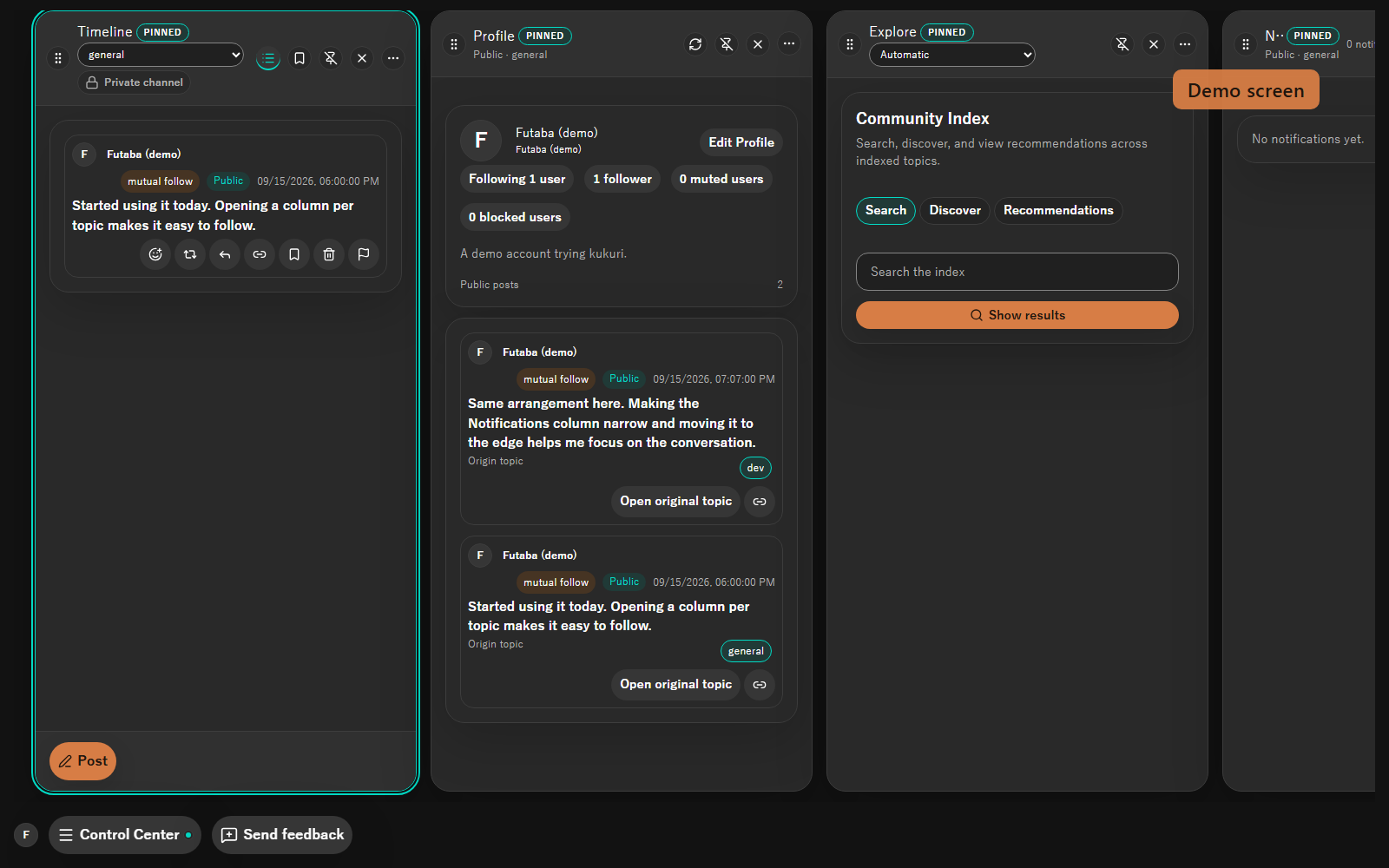
Pick a topic
Open one of the starter topics, or search topics and posts through the Community Index. Search comes from a Community Node you have consented to.
Pick a topic you care about, talk in the open, then move into a smaller circle inside the same topic. The key that identifies your account stays only on your device.
kukuri is a desktop app for Windows and Linux. Open this page on your computer to download it.
This is a Builder Preview for testers (v0.2.6-preview.1), not a stable general release.
There is no macOS package. Please try it on Windows 10 / 11 or Linux (x86_64).
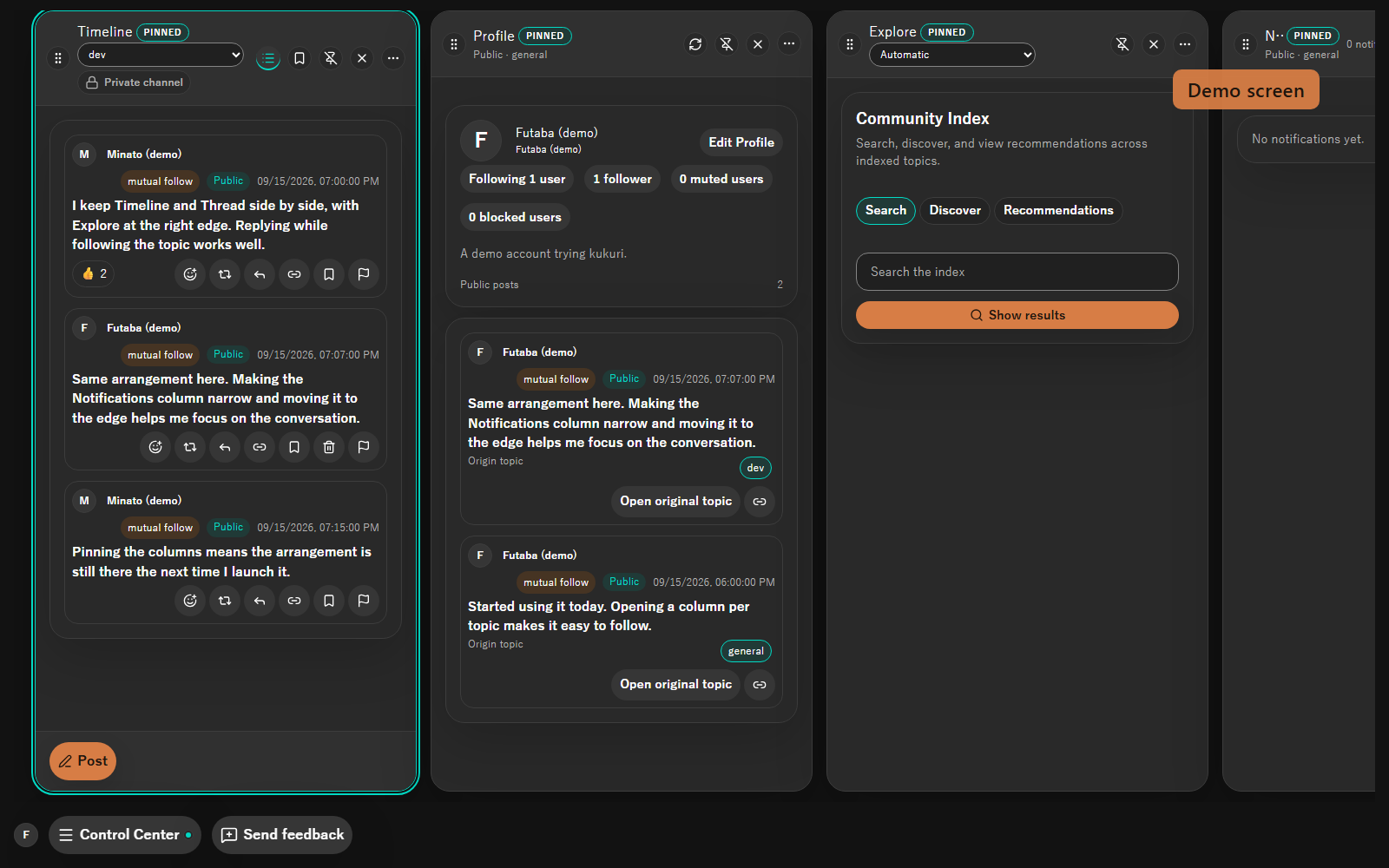
All three scenes use features that are on by default. The people and conversations shown are demos.
Open one of the starter topics, or search topics and posts through the Community Index. Search comes from a Community Node you have consented to.
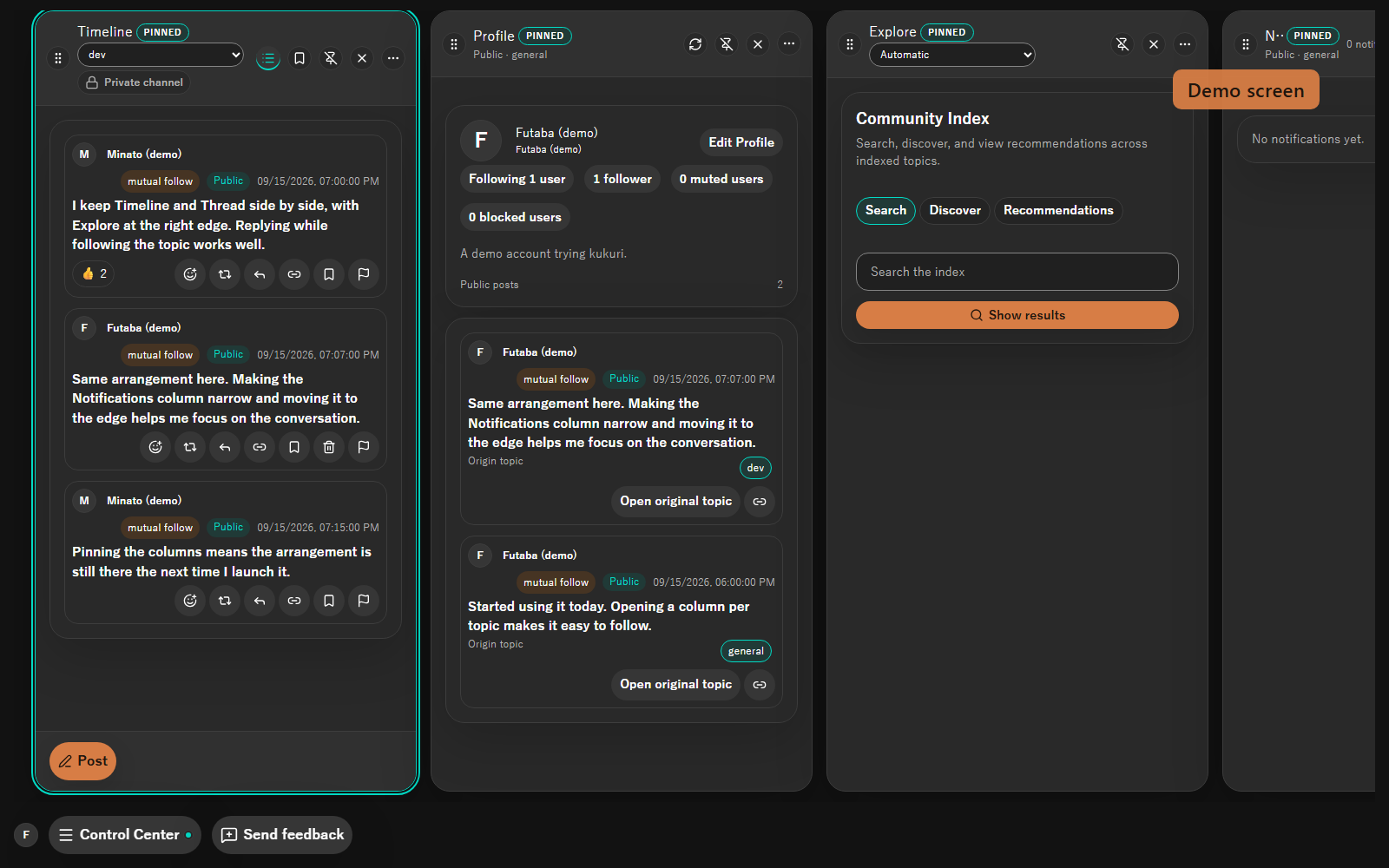
Post, reply, and keep the thread going. React, repost, quote, and bookmark from the same column.
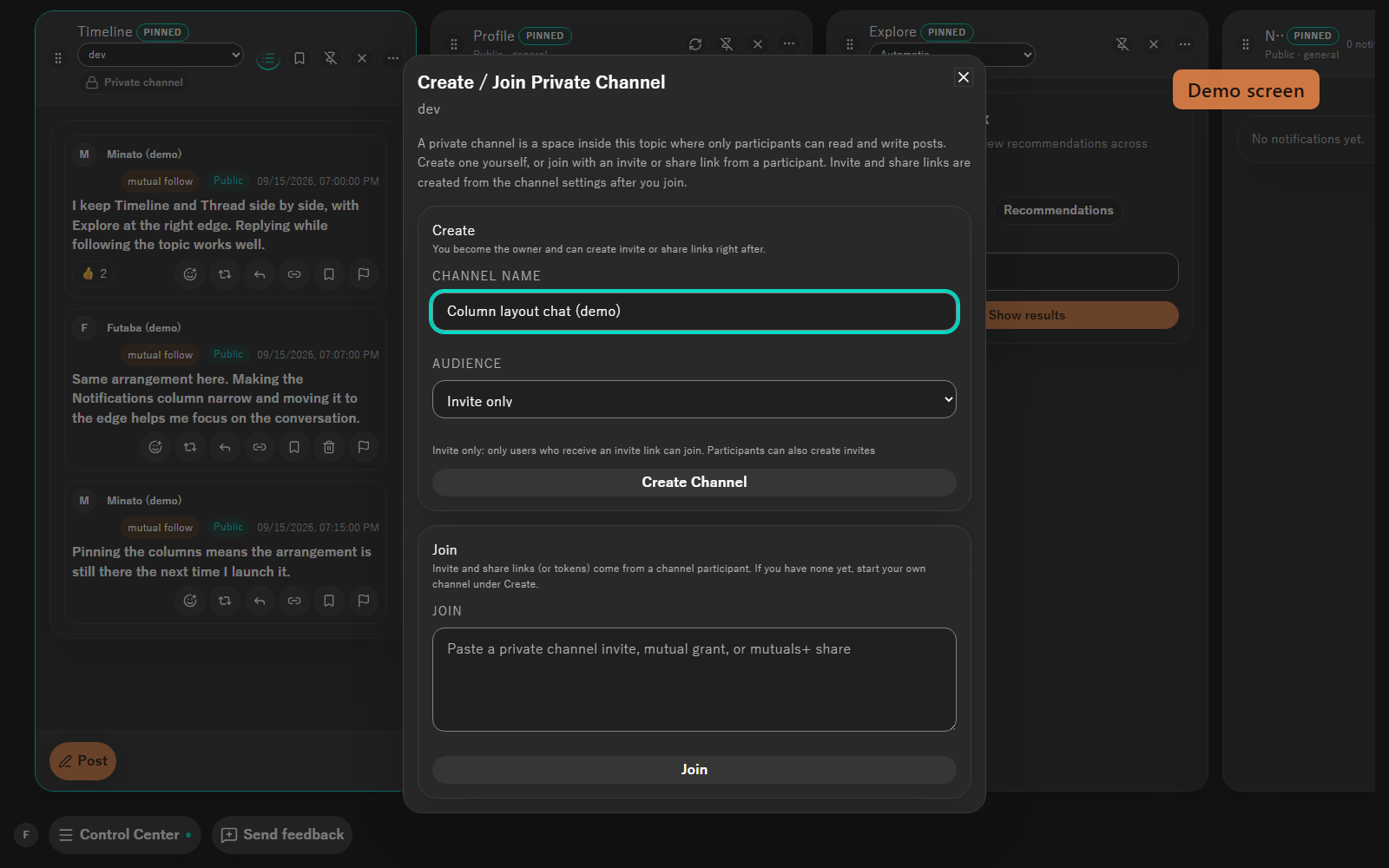
Create or join from "Private channel" at the top of the Timeline column. Stay in the topic and talk within an Invite only, Mutuals, or Mutuals+ audience.
Start with the defaults and change only what you need.
| Setting | Default | What changes |
|---|---|---|
| Community Node | One candidate at install (unused until you consent) | Only a node you consented to assists with connectivity, search, and moderation. Without consent it is not used. |
| Private channel audience | Invite only | Switching to Mutuals or Mutuals+ changes who can join. |
| Theme | Dark | Light theme switches the app to the light palette. |
| Language | Your OS language (until saved) | Choose Japanese, English, or Simplified Chinese. A saved language is kept on the next launch. |
| Adult content | Hidden | Allowing it in Settings -> Safety reveals adult-labeled posts. |
| Developer mode | Off | Enabling it in Settings -> Developer reveals experimental surfaces and the diagnostic report. |
The key that identifies your account is stored locally. A Community Node is not your account owner or home server.
Connectivity prefers direct P2P, then relay-supported P2P, and uses relay fallback only when the earlier paths cannot carry the data.
A moderation event is optional trust input from its issuing node, not a command applied to the whole network. Each client decides how to use it.
Windows 10/11 (NSIS), Linux x86_64 (AppImage / deb), Linux CLI x86_64 and aarch64. There is no macOS package. Version v0.2.6-preview.1.
| Platform | Download |
|---|---|
| Windows 10 / 11 (x64) | kukuri_0.2.6_x64-setup.exe |
| Linux (x86_64) AppImage | kukuri_0.2.6_amd64.AppImage (guide) |
| Linux (x86_64) deb | kukuri_0.2.6_amd64.deb (guide) |
| Linux CLI | x86_64 / aarch64 (guide) |
All assets and checksums (SHA256SUMS.txt) are on the release page.
No network connection starts until you accept. Preview installers are unsigned, so Windows may show a warning.
No package is provided at this time. Only Windows 10/11 and Linux (x86_64 GUI, x86_64/aarch64 CLI).
There is no central reissue or recovery. Export the key that identifies your account as an encrypted string, or keep a device backup yourself.
A node is not used until you accept its documents. If you choose "Later", you can return to consent from Explore or Settings. A node is not where your posts are stored.
Connectivity assistance and search (Community Index) are separate. If a node does not provide search, choose another node that does.
Preview installers are not code-signed for the OS. Check the release notes before running the installer. In-app updates verify the signed manifest.
Updates are expected to keep your key, profile, follows, posts, local database, Iroh data, Community Node settings, private-channel access, and notification inbox. Take a backup before uninstalling or resetting.
Use "Send feedback" in the app's bottom bar, or GitHub Issues / Discussions. For connectivity, update, and recovery problems, attach a diagnostic report from developer mode.
Live, Game, Stream, and Metaverse Domes are hidden by default. They are experimental and appear only after enabling developer mode in Settings -> Developer, with no backward-compatible decoding or migration guarantee for their data formats.
We are prototyping Metaverse Domes, a 3D space tied to a topic. It appears only after you enable developer mode in Settings -> Developer.
Experimental. Available only in developer mode, with no backward-compatible decoding or migration guarantee for its data formats.
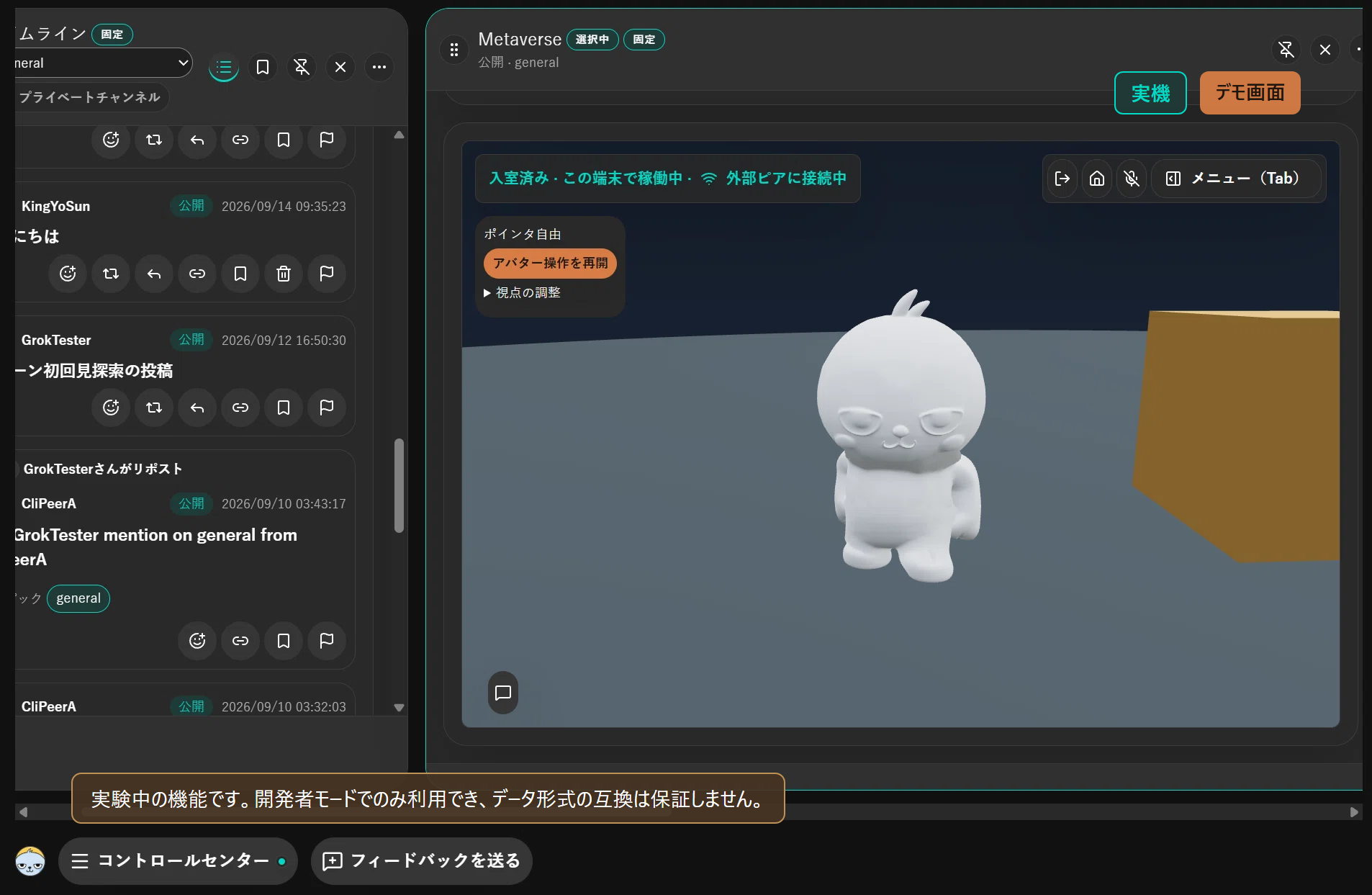
One device opening a Dome in the same column deck as the timeline. The Dome feature is still in development. This screen is from the Japanese UI.
The Builder Preview is for testers. Tell us what breaks through in-app feedback or GitHub.
Open this page on your computer to download it.